Utility management for retail
Compare consumption across stores and identify sites that need attention.
Stores and portfolios · 01
Compare consumption with trading hours
A store's opening hours do not describe every load. Refrigeration, cleaning and other essential activity may continue after closing. Compare readings with the actual operating schedule before treating overnight use as waste.
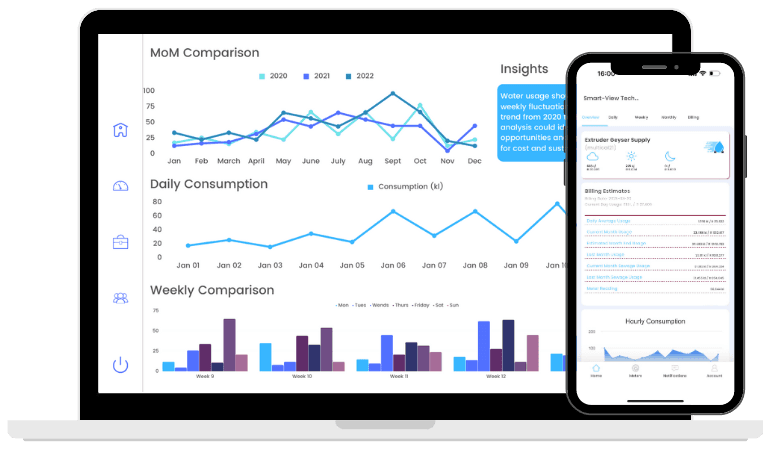
Smart-View gives retail teams a way to review water and energy patterns across locations and identify which sites need attention.
Compare stores with similar size and operating patterns.
Investigate unexpected changes in the overnight baseline.
Keep track of closures, refits and changes in equipment.
Stores and portfolios · 02
Turn portfolio comparisons into site checks
Start with a small set of questions that a site manager can act on: what changed, when did it change and which equipment was running? Use the readings to focus that conversation.
The retail tour uses an illustrative operating scenario to explain this process. For a project discussion, bring your site list, meter details and trading schedules so connection and reporting requirements can be reviewed.
See Smart-View Technology in action
Share your utility-management priorities. We’ll use the conversation to understand your sites, data sources and practical next steps.